Product updates · @deckscene_team · · Updated
Delta Reign is on DeckScene
All 141 Delta Reign cards are in our catalog with their art, along with the Mega Evolution promos and Energy. Paste a list that plays them into Post one.
Paste a Pokémon TCG Live game log onto your own deck. It's read for how the deck set up and what held it back, kept per version, and seen by you alone.
@deckscene_team ·
Paste a game log from Pokémon TCG Live onto your own deck, and DeckScene reads how the deck played. Each version keeps its games, so you can see whether an update changed how the deck plays.
It works on Pokémon TCG decks you posted, and only you see your games.
On your own deck's page, "Your games" sits between the buttons and the cards. It shows how many games this version and the whole deck have, its "So far" note and your two newest games.
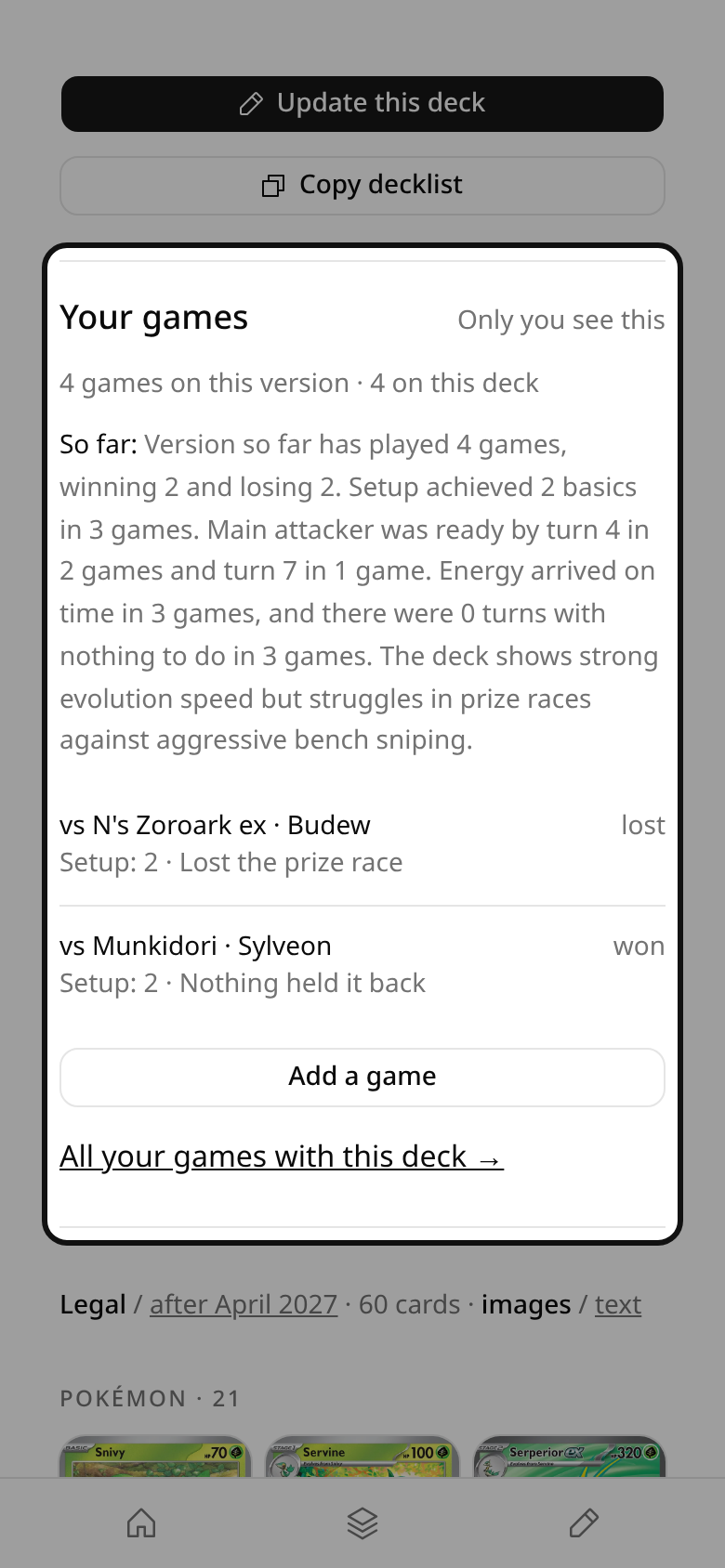
Anyone else who opens the same deck sees the cards and no "Your games".
Tap "Add a game", pick the version you played if there's more than one, and paste the log. Copy all of it, from Setup to the line that says who won.
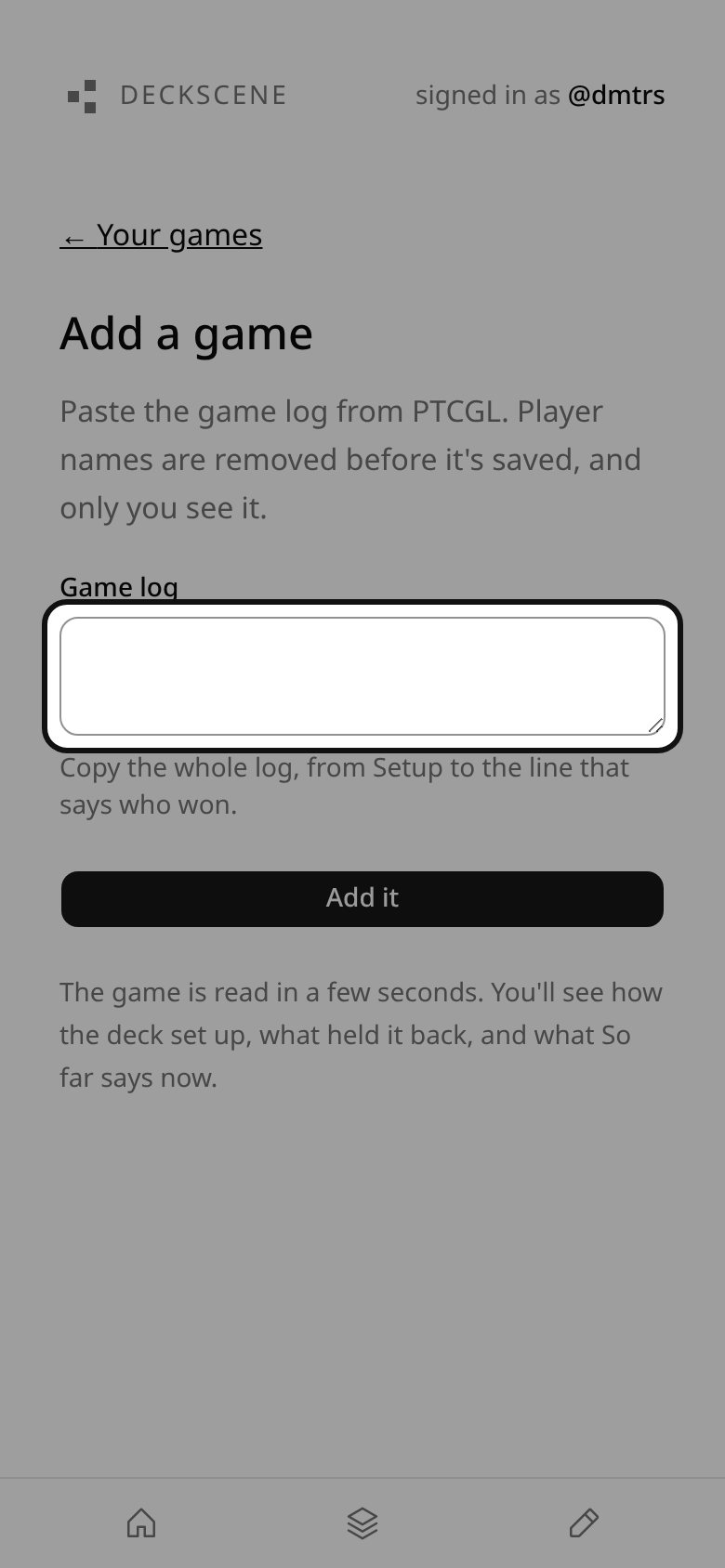
Both players' names are replaced with "You" and "Opponent" before the log is saved. A paste holding more than one game is turned away, and so is a game you've already added.
Each game is read automatically, in a few seconds. No person reads your logs. The game's page says how the deck played, what the log shows and what held it back.
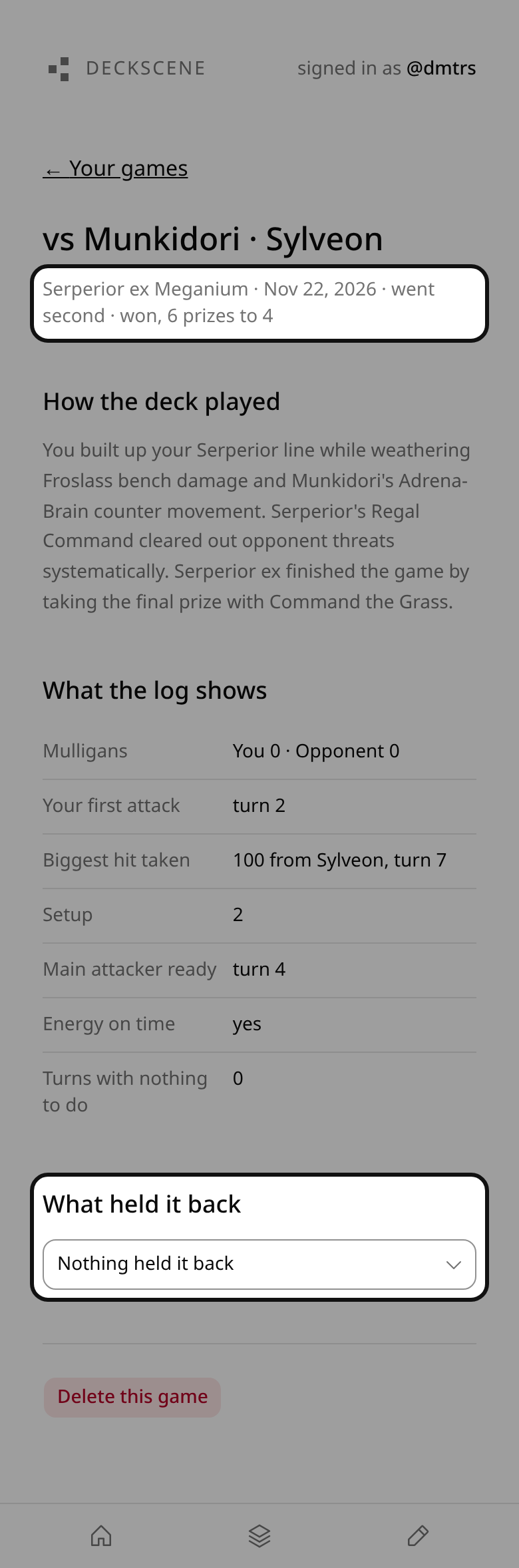
The log alone decides who went first, the mulligans and who won, so the read can't change them. The result sits in the small line under the title. If a read fails, the game is still saved, with a button to read it again.
If "What held it back" is wrong, choose another reason. The next game you add takes your choice into "So far". A loss with no Pokémon left on your Bench is always "Benched out", so that one can't be changed.
Every version of your deck keeps its own "So far": a few sentences on how it plays, rewritten after each game is read. It's written in the language you chose for DeckScene, and card names stay in English.
When you post an update, the new version starts with no games. What the earlier games showed carries over, with the cards you swapped, so the next read knows what changed.
From the second game on your newest version, DeckScene may suggest up to three changes to the list. It offers one only when the games point the same way; otherwise there's none.
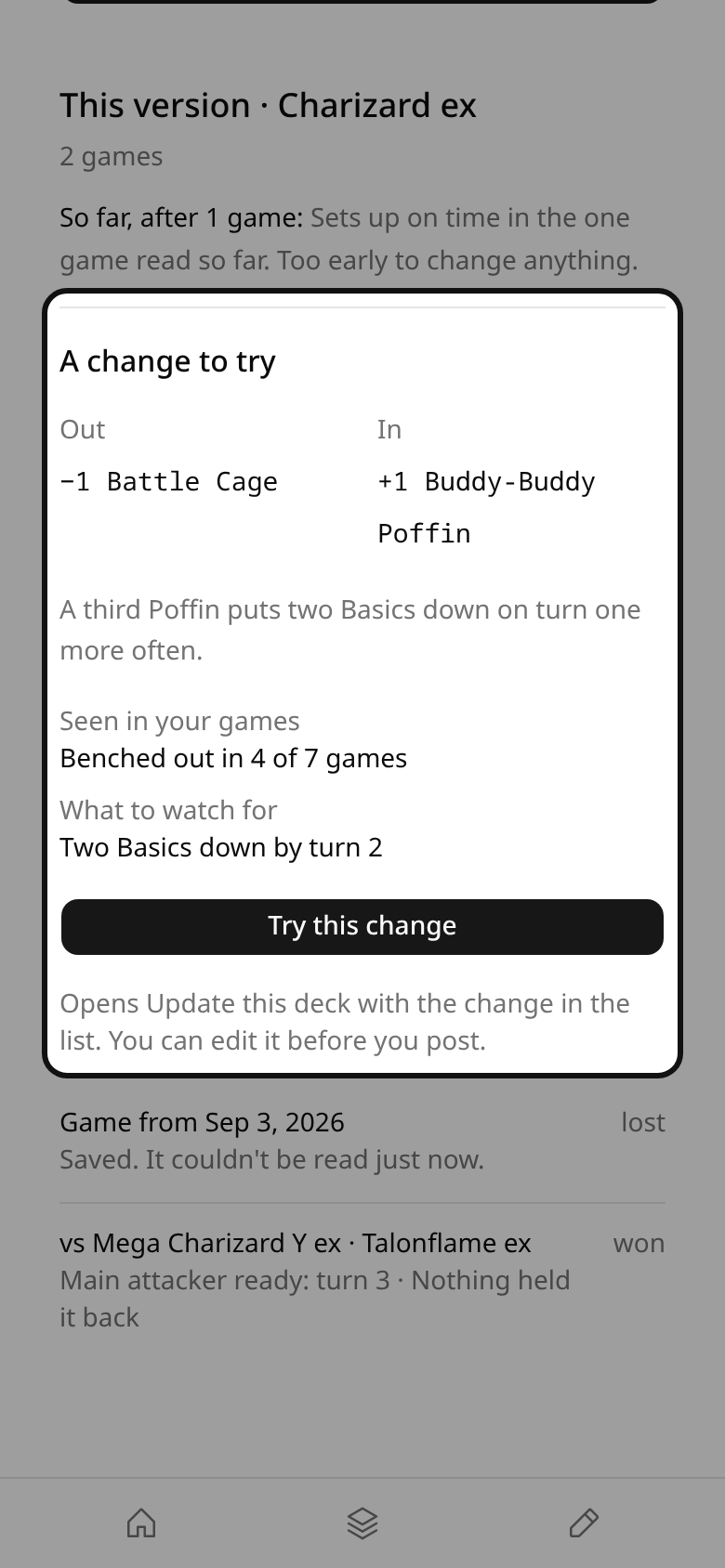
Each change is checked before you see it: the cards it takes out are in your list, and the list keeps its size. "Try this change" opens "Update this deck" with the change already in the list. You can edit it before you post, and nothing changes until you do.
Your games never show on your profile, in your scene's Feed, or in the evening note of new decks. A member who tries a game's address gets a page that isn't there. Who sees what on DeckScene covers everything else you post.
You can delete a game from its page. What it showed about the deck stays.
To start, open a deck you posted and tap "Add a game". Questions about decks and versions are in the FAQ.
This post was written with the help of AI.
Filed under Pokémon TCG and Privacy.
Share it with the people you play with.
Product updates · @deckscene_team · · Updated
All 141 Delta Reign cards are in our catalog with their art, along with the Mega Evolution promos and Energy. Paste a list that plays them into Post one.
Product updates · @deckscene_team ·
One note in the evening, listing the decks your scene posted. Here's how to turn it on, iPhone included.
Tournament reports · @deckscene_team ·
On November 14 and 15, 74 Dragapult ex finishes in Japan played the Yamanashi list with a Dudunsparce ex, and Mega Kangaskhan ex lists won 15 of 62 events.